
Live from Tally
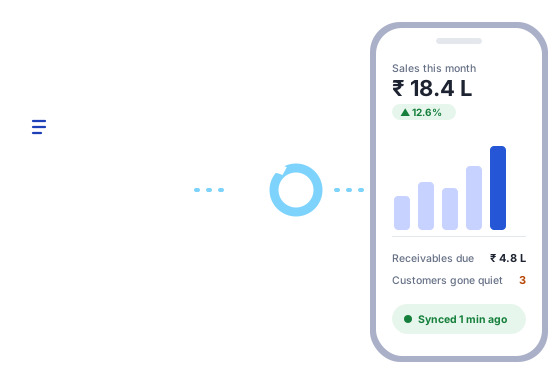
A small, read-only agent on your Tally PC sends new entries every minute. Every company you open in Tally appears automatically.
For businesses and CAs who use TallyPrime
SakhaSync connects to TallyPrime on your office PC and shows your sales, dues, cash, stock, GST and Profit & Loss on any phone, tablet or computer, updated every minute. Ask about your business in Hindi, English or your own language.
🔒 Read-only: SakhaSync never changes your Tally books.
✦ Ask SakhaSync
Press play to hear a shop owner ask about sales, dues, slow stock and GST, and SakhaSync answer from the books in a few seconds. Type or speak; it answers in your language, and can read the answer aloud.
Sample business and figures, for illustration.
Real screens of SakhaSync, filled with a sample wholesaler's books. Swipe to see more.
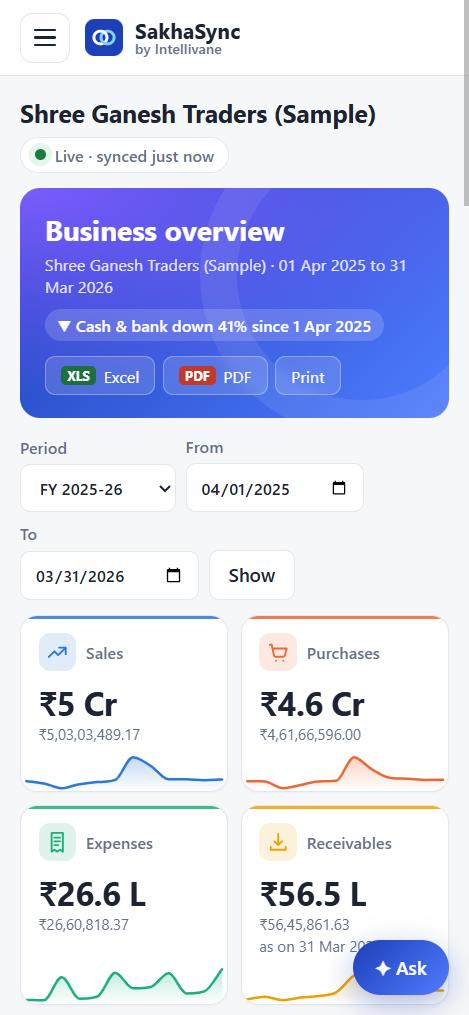
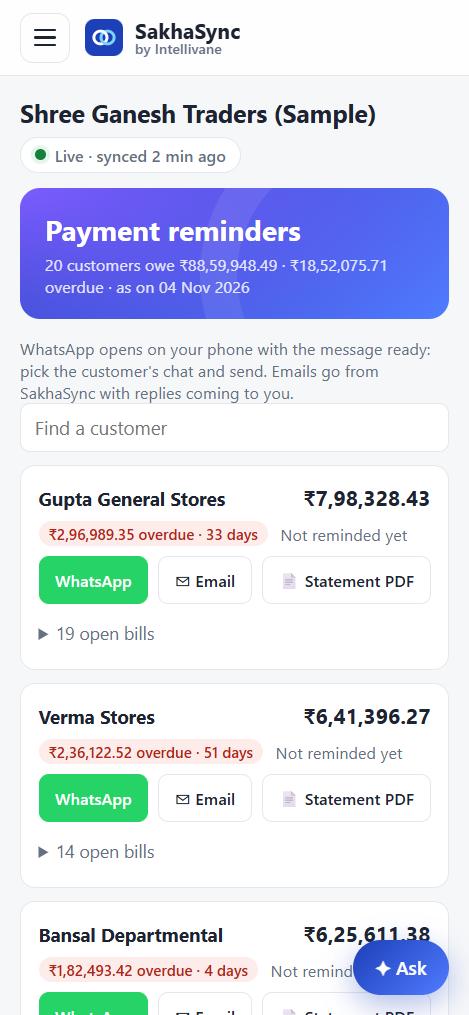
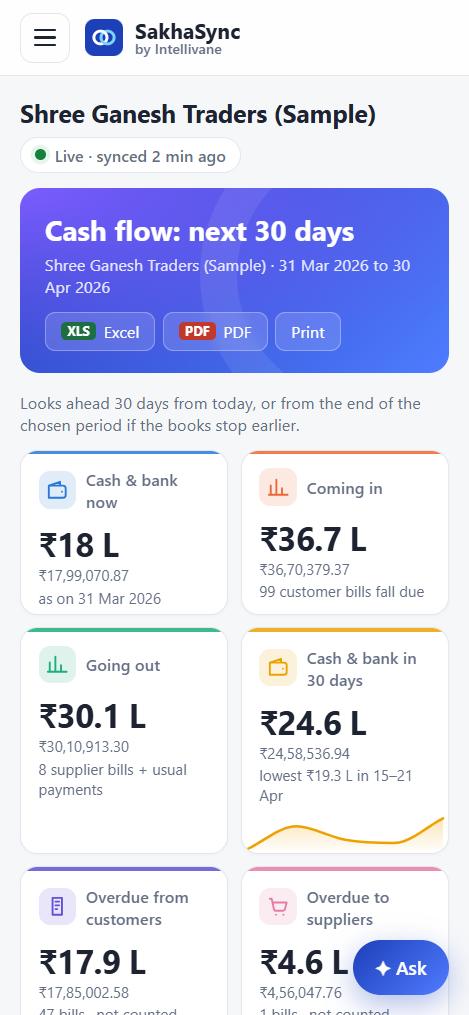
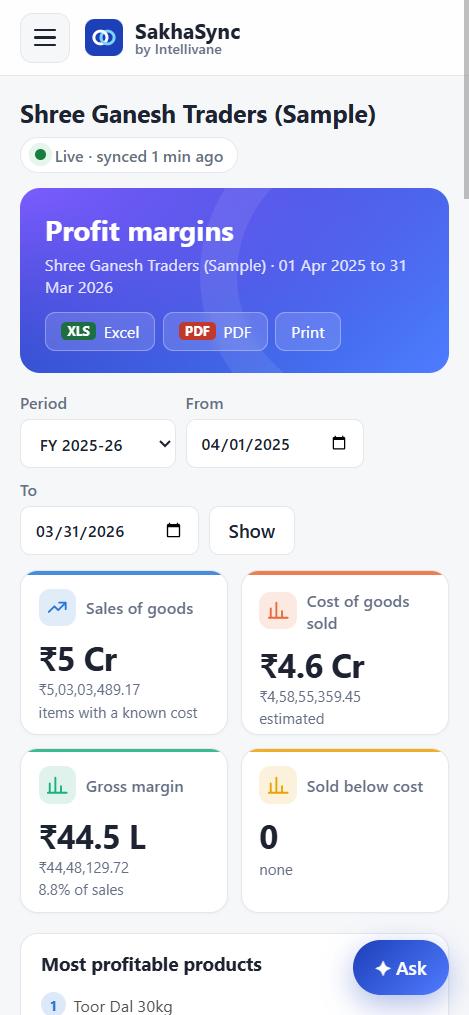
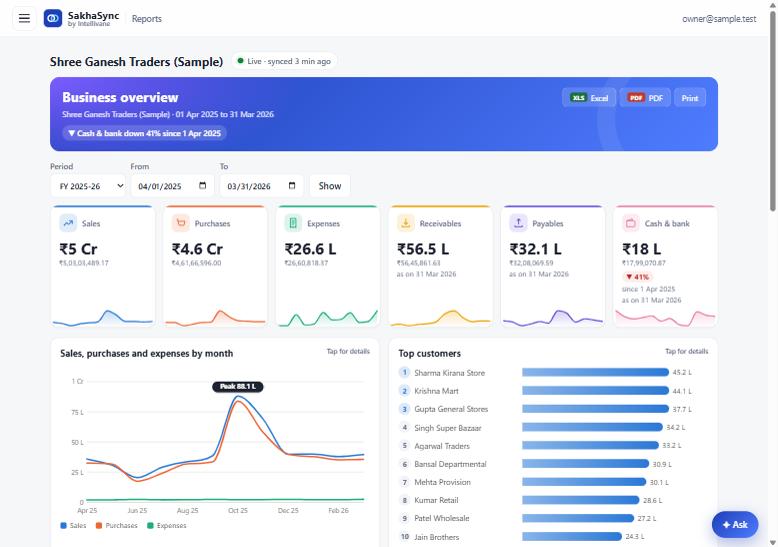
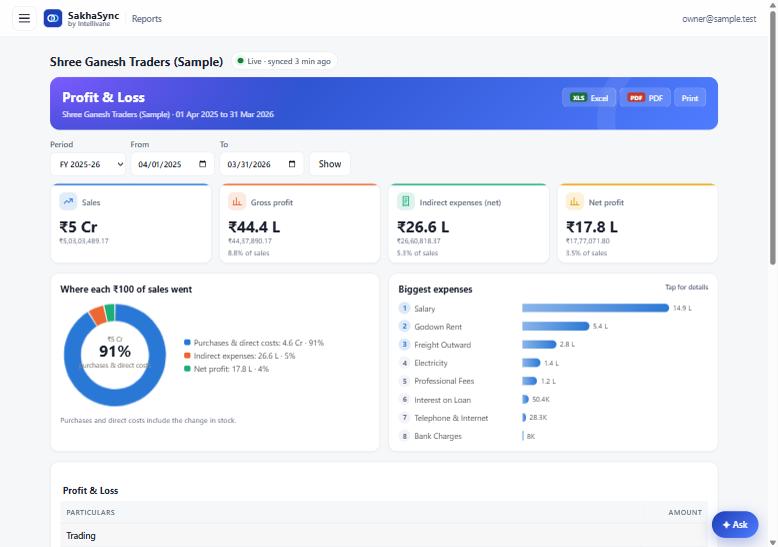
Sample business and figures, for illustration.
No more calling the accountant for a number. Open SakhaSync and it's there, current to the minute.
A small, read-only agent on your Tally PC sends new entries every minute. Every company you open in Tally appears automatically.
Profit & Loss, Balance Sheet, Trial Balance, Day Book, ledgers, sales, purchases, expenses, stock and margins, with Excel and PDF downloads.
“Krishna Mill Store ki sales batao.” Type or speak in Hindi, English or any Indian language and get the answer, with the period it covers.
Overdue customer bills, supplier bills due, stock near expiry or running out, cash below a limit, and Tally not syncing, by email at your time.
Payment reminders in one tap: a ready WhatsApp message, an email with the open bills, or a statement PDF for each customer.
What's coming in, what's going out and when cash could run short, week by week, from the due dates in your books.
GST on sales and purchases, net payable and paid; TDS deducted by section and party, and what's due by the 7th.
Clients give their CA read-only access in a click. One login shows every client company, and the CA's team sees only what they're assigned.
On the PC where TallyPrime runs: double-click, paste the setup key from our email, click Install. About two minutes. It updates itself after that.
Keep Tally open with your companies loaded. Each one shows up in SakhaSync on its own, with all its history.
Log in from your phone, tablet or computer. Invite your accountant, staff or CA, each seeing only the companies you choose.
Built from the first line for businesses that can't afford a leak.
No. It only reads. Your Tally books stay exactly as they are; Tally remains your master copy.
TallyPrime, with Tally's connectivity port turned on (F1 › Settings › Connectivity). The setup checks this for you.
SakhaSync shows the latest data it received. When the PC is on, Tally is open and the company is loaded, new entries arrive within a minute. If it stops syncing during working hours, we email you.
Not at all. Load several companies in Tally together and all of them sync. Switch between them, or see all companies added up on one screen.
Only if you allow it. Give your CA firm read-only access from Settings, and take it back whenever you like.
Yes. SakhaSync is built for phones first and works in any modern browser; no app to install.